
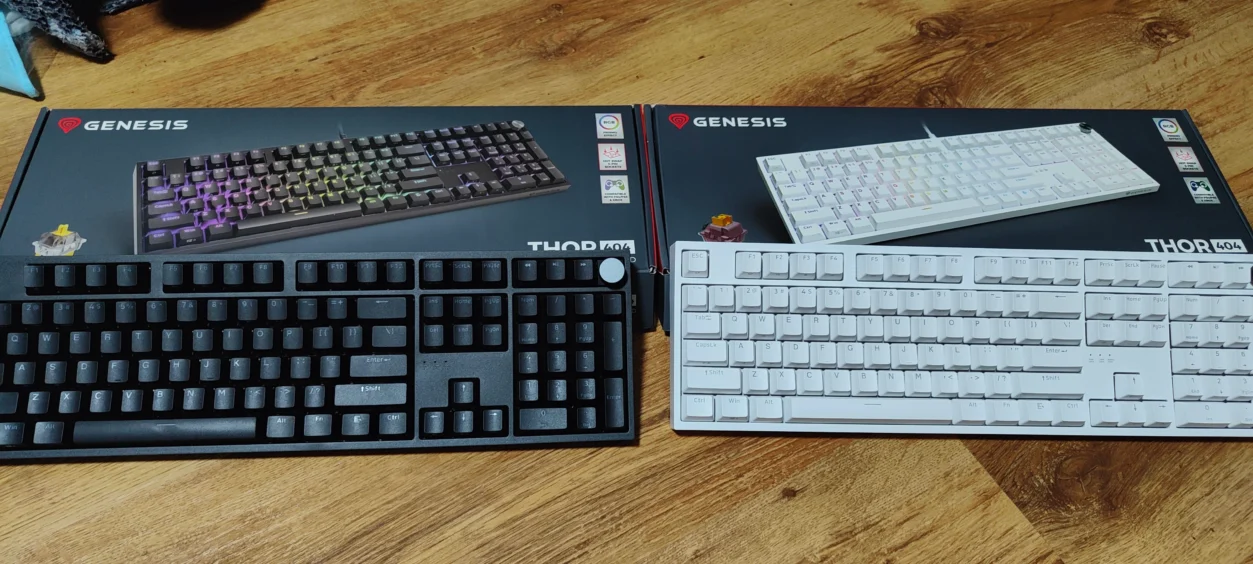
The first time I used the Genesis Thor 404, I wasn’t entirely sure what to expect. I’ve handled a lot of budget mechanical keyboards, and most of them feel… well, like budget keyboards. But this one? It immediately felt different. Solid. Considered. I spent a week using it for gaming, typing, and even a bit of work. And honestly, it surprised me. Genesis has taken the features from the Thor 404 TKL and stretched them into a full-size layout. You get hot-swap switches, RGB lighting, a dedicated volume knob, and all 107 keys you’d expect in a proper gaming board.
Design and Build Quality
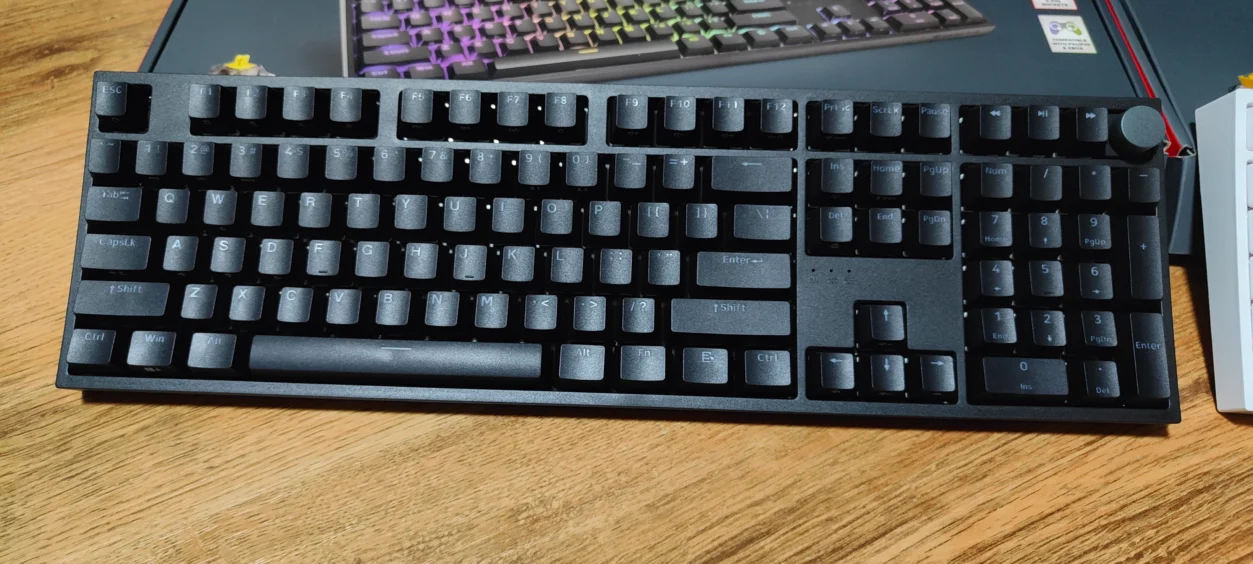
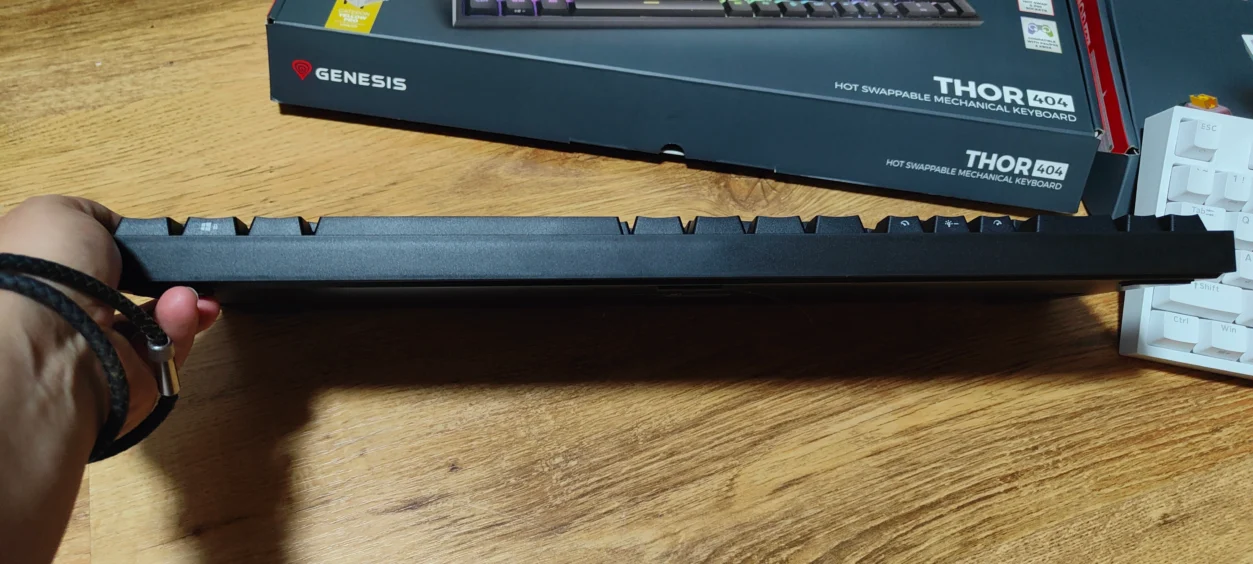
Out of the box, the Thor 404 feels sturdy. The non-floating key design keeps it looking neat, and the extra 11 multimedia keys make it feel substantial. I noticed right away that it doesn’t wobble or flex during fast gaming. Double-shot ABS keycaps feel solid, almost premium for its price range. And the metal plate inside? It adds noticeable weight, which I personally like. Makes it feel like it will last. There’s also foam inside that dampens vibrations. You don’t always appreciate that at first, but during long sessions, it really matters, especially if others are around. It keeps things quieter without changing the feel of the keys.
Switches and Typing Experience
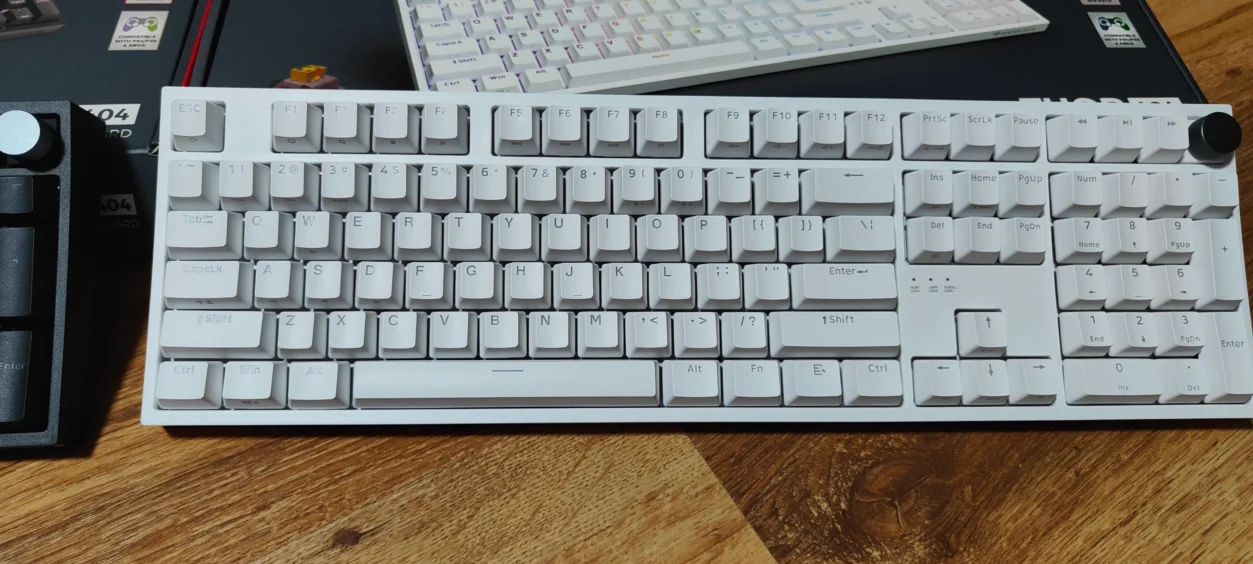
The Thor 404 comes with two switch options: Gateron Yellow Pro and Outemu Peach Silent V3. Both have a 50g actuation force and a 2mm actuation point. I tried the Gateron Yellow Pro first. Smooth. Fast. Quiet. Definitely a good fit for competitive gaming. The Outemu Peach Silent V3 is quieter still. Ideal if you’re in a shared space, though they feel a touch heavier to me. The hot-swap design is a big plus. You don’t need to solder anything to try a new switch. I even swapped in a tactile switch just to see how it would feel. It was effortless, and I appreciated that freedom.
Performance and Gaming Features
When gaming, the keyboard feels immediate. Full N-Key Rollover means no missed presses. I tested it in Fortnite, and even when spamming keys for building, everything registered. The 1,000Hz polling rate is noticeable. Inputs feel snappy. RGB lighting is bright and fun, but I mostly ended up leaving it on one of the simpler modes. The dedicated volume knob is a small thing, but I kept using it. Adjusting audio without leaving the game feels… convenient. Really. Macros can be saved on-board, which means I can hop between systems and keep the same setup. That’s not something every budget keyboard allows.
Software and Customization
Genesis’ software covers the essentials. You can set lighting, key functions, and macros across different profiles. It’s not as deep as Corsair iCUE or Razer Synapse, but honestly, I didn’t need anything more. I got the profile I wanted in minutes and didn’t touch it again. For gamers who just want things to work without fuss, it’s perfectly fine. You could get lost fiddling with endless options, but here it’s simple and reliable.
Connectivity and Compatibility
The keyboard uses a detachable 180cm USB Type-C cable. It’s braided, solid, and feels like it will last. No wireless option, but for gaming, that’s actually a benefit — stable and low latency. I used it with Windows 11, PS5, and Android. No surprises, no fiddling, just worked. That versatility is nice if you switch between systems frequently.
Additional Features
Other small touches I liked: media keys on F1–F12, two spare switches, a keycap and switch puller, and the braided cable. Things like spare switches and a puller are easy to overlook, but it’s convenient when you want to tweak or maintain the keyboard. Honestly, it shows Genesis thought about how people actually use keyboards.
Daily Use and Typing Experience
Typing for long stretches was comfortable. Linear switches are quiet and smooth. Vibration is minimal. Even after hours of gaming and typing, my fingers didn’t fatigue. It’s rare for a budget board to balance gaming performance with typing comfort, but the Thor 404 does. Small details like foam dampening and key stability make a bigger difference than you think.
Conclusion
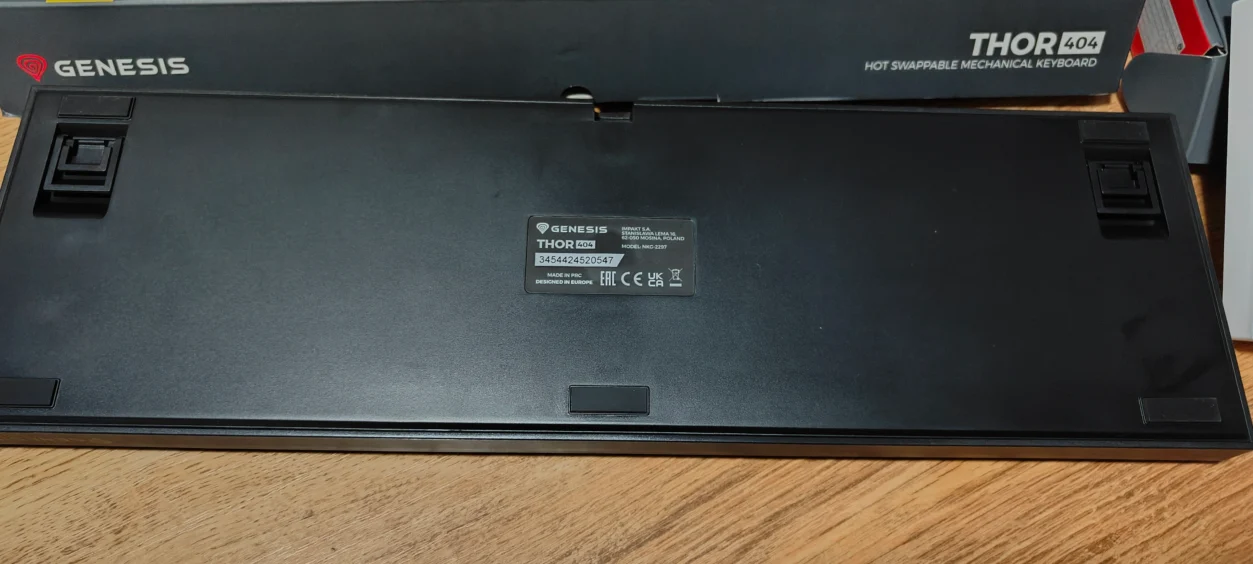
Overall, the Genesis Thor 404 impresses. Hot-swap Gateron Yellow Pro and Outemu Peach Silent V3 switches, soundproofed construction, RGB lighting, and a volume knob make it flexible for multiple uses. It’s not perfect — software could be deeper, no wireless option — but these are minor trade-offs. Compared to other budget full-size keyboards, it stands out for build quality, switch options, and thoughtful features. For gamers or typists looking for reliable performance without breaking the bank, it’s a strong choice. For what it’s worth, I’ve kept using it daily even after a week, and I haven’t gotten bored of it.
Genesis Thor 404 Video First Look
Good Points (Pros)
- Hot-swap switches for easy experimentation and upgrades.
- Dedicated volume knob for fast audio adjustments during gameplay.
- Sturdy build with non-floating key design and dampened typing feel.
- Bright, vibrant RGB lighting with on-board profiles.
- Multi-platform compatibility across PC, consoles, and Android.
Bad Points (Cons)
- Software customization is limited compared to premium brands.
- No wireless option.
- Stabilizers could be slightly improved for ultra-precise enthusiasts.
Read more awesome reviews >>here<<.
The product was provided to us for the express purpose of reviewing.
The review was written by me and edited by my partner.



You must be logged in to post a comment.