

I recently took the Razer Joro with me on holiday to Cumbria with Park Holidays, and it was an eye-opening experience in just how much a portable gaming device can enhance downtime. Lightweight, compact, and impressively ergonomic, the Razer Joro isn’t just another accessory—it’s a surprisingly capable little piece of kit that fits seamlessly into both travel and everyday gaming life.
Design and Build
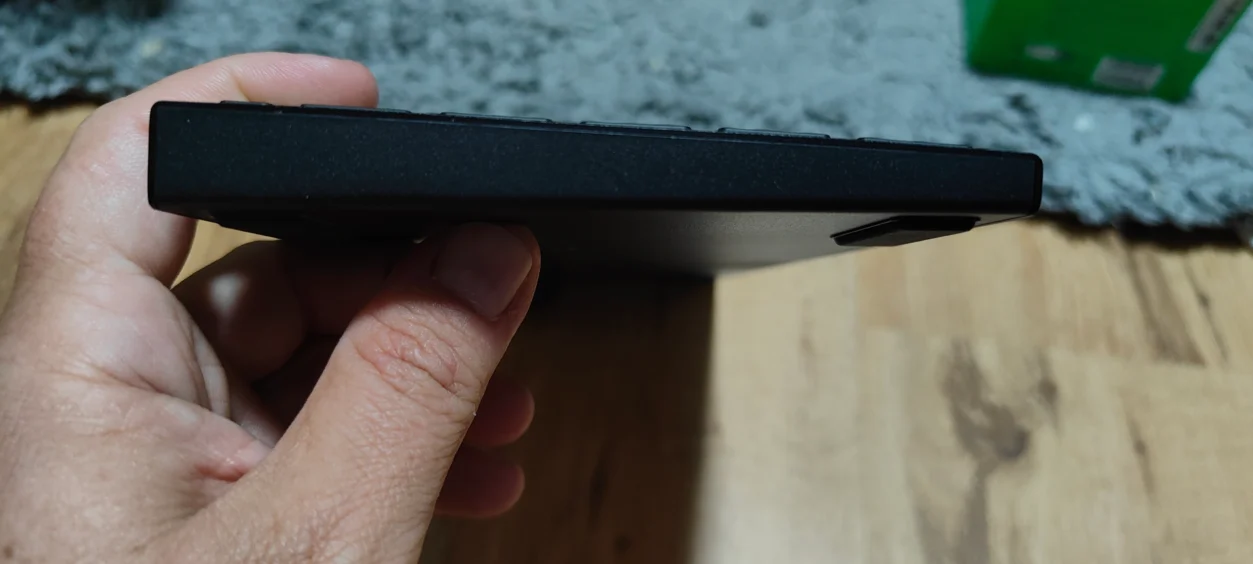
Out of the box, the Razer Joro immediately impressed with its compact design. Unlike some bulkier gaming devices, it’s light enough to toss in a backpack without feeling like a burden, yet solid enough that it doesn’t feel cheap or fragile. The curves sit naturally under your hand, and the matte finish gives it a premium touch. I spent a few afternoons in our cabin in Cumbria holding it while gaming, and after hours, it never caused hand fatigue. It’s one of those rare devices where the comfort factor is noticeable from the very first session.
The buttons are tactile, responsive, and positioned intuitively. Even in handheld mode, every input feels precise. I especially liked the placement of the triggers—they’re easy to reach without adjusting your grip, which made long sessions more enjoyable. During my holiday, I found myself reaching for the Razer Joro over my laptop or phone for quick gaming bursts just because it felt natural and satisfying to hold.

Portability and Convenience
Travelling with gaming gear usually comes with compromises, but the Razer Joro made it effortless. Its small footprint meant I could pack it alongside holiday essentials without worrying about extra bulk or weight. Charging is straightforward via USB-C, and battery life was solid enough to cover long car rides and evenings in the cabin without constantly hunting for a power outlet. It’s worth noting that battery life decreases significantly when using RGB lighting or frequently switching between devices. For someone like me, who likes to game both at home and on the move, this portability is a major win.
I also appreciated how easy it was to get started. Out of the box, it required minimal setup—plug, power on, and you’re ready to go. There’s no fiddly configuration or confusing menus, which is a godsend when you just want to relax and play. Even when I switched between casual games and a few more intense games, the Razer Joro handled everything without hiccups. That said, serious competitive gamers might notice limitations due to the scissor switches and Bluetooth connection, which aren’t as fast as high-end mechanical setups.
Performance and Gameplay Experience
Despite being compact, the Razer Joro delivers solid performance. Its responsiveness is excellent, which was crucial during some fast-paced sessions. I noticed a clear difference from generic portable controllers; the Razer Joro felt precise, whether I was navigating menus or performing quick action combos. On holiday, I had long evenings by the fireplace, gaming solo in Elden Ring and coordinating dungeon runs in Diablo 4.
The Razer Joro’s controls allowed me to react quickly without strain or misclicks. That said, it lacks advanced customisation features found on larger Razer peripherals, so users who like tweaking macros or lighting profiles may find it limited.
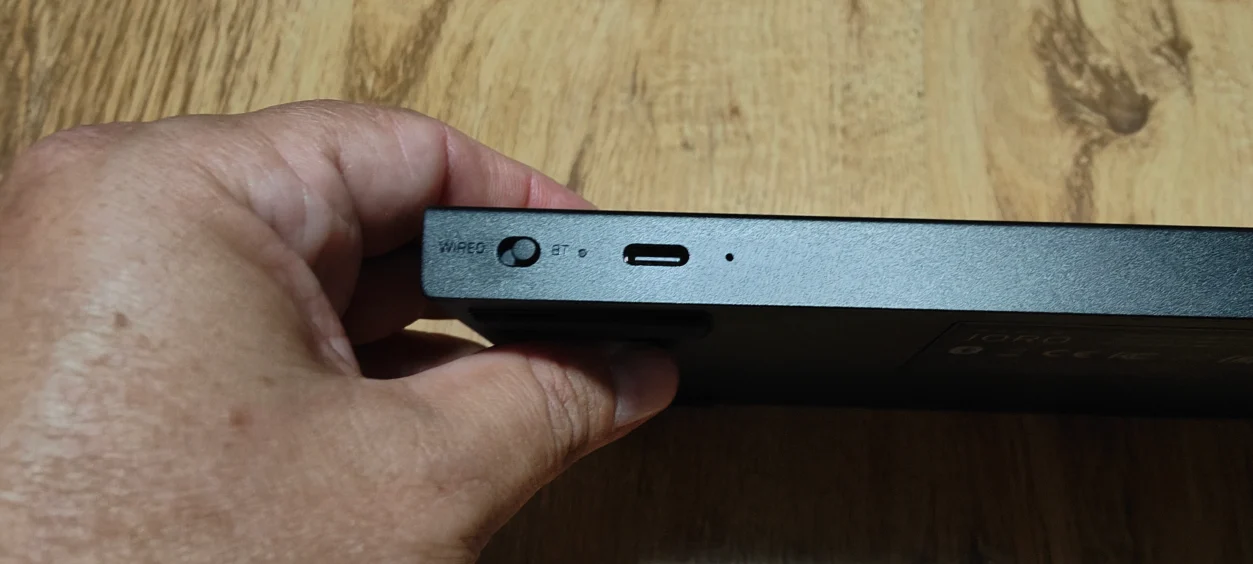
The device also feels surprisingly durable for travel use. I didn’t baby it while on the move, and it held up well through multiple sessions in the car, cabin, and even outdoors while taking short breaks. For a compact gaming device, it’s reassuring to know it can survive the occasional jostle without compromising function.
Comfort and Ergonomics
One of the standout things I noticed during my Cumbria trip was how comfortable the Razer Joro feels over extended periods. Its form factor and weight distribution make it feel almost custom-moulded to your hands. Unlike other compact devices that cramp your fingers or cause wrist fatigue, the Razer Joro encourages natural grip positions. I could easily spend an hour or more gaming without noticing discomfort, which is a big deal for both travel and home use.
The tactile feedback on buttons is satisfying, and the triggers offer a smooth, responsive feel. Even for games requiring precision input, like building skill rotations in Path of Exile 2 or timing attacks in Elden Ring, the Razer Joro never felt limiting. In fact, I found myself enjoying these sessions more than I expected, given the device’s small size.

Personal Experience on Holiday
Taking the Razer Joro to Cumbria really highlighted its portability and convenience. During downtime at the cabin, I could casually pick it up for a quick game while my family relaxed nearby. Its compact form factor made it easy to keep in reach without cluttering the small space. Even in moments when I was gaming on the balcony overlooking the lake, the device felt light and manageable in hand, making it perfect for both short bursts and longer, more immersive sessions.
Another aspect I loved was how intuitive it felt straight away. No learning curve, no complicated setup—just pick it up and play. That ease of use is one of the biggest selling points for someone who travels frequently or wants a reliable secondary gaming option. After a week of travel, the Razer Joro became my go-to device over my laptop for casual play and streaming tests, purely because it felt comfortable and effortless to use.
Comparisons and Observations
Compared to other portable gaming devices I’ve tried, the Razer Joro stands out in terms of ergonomics and user-friendly design. Many compact controllers feel cramped or overly light, but the Razer Joro strikes a nice balance between portability and substance. In terms of performance, it’s comparable to mid-range standalone controllers, but with the added advantage of Razer’s attention to detail in button placement and responsiveness.
One minor note is that the Razer Joro doesn’t offer as many advanced customisation options as larger desktop peripherals. However, for a travel-friendly device, I actually see this as a benefit. It keeps things simple and accessible, especially when you just want to enjoy games without fussing with software settings. Serious competitive gamers, however, might notice slightly slower response times compared to high-end mechanical setups.
Final Thoughts
Overall, the Razer Joro is a fantastic travel-friendly gaming device. Its compact design, light weight, and ergonomic comfort make it perfect for on-the-go gaming, while its responsiveness and build quality ensure it doesn’t compromise performance. Taking it on holiday to Cumbria really proved its worth: comfortable for long sessions, easy to pack, and effortless to use. Whether you’re a frequent traveller or just want a secondary gaming option that won’t clutter your desk, the Razer Joro is a smart, reliable choice that feels as good in hand as it does in performance.
Razer Joro – Full Technical Specifications
- Form Factor: Compact 75% layout
- Dimensions: 298mm x 112mm x 16.5mm
- Weight: 374g
- Case Material: 5052 aluminium alloy top case with ABS plastic bottom
- Switch Type: Ultra-low profile scissor switches
- Keycaps: Laser-etched ABS
- Connectivity: Bluetooth 5.0 (pair up to 3 devices) / Wired USB-C
- Polling Rate: 1,000Hz (wired mode)
- Battery Life: Up to 1,800 hours in power-saving mode (no RGB, no device switching)
- Lighting: Single-zone Razer Chroma RGB
- Software: Razer Synapse for PC and Mac
- Compatibility: Windows, macOS, Android, iOS, Steam Deck, ASUS ROG Ally
- Additional Features: Dedicated Microsoft Copilot key, full-function row, full-sized arrow keys
Razer JORO Video
Read more awesome previews >>here<<.
The Product was provided to us for the express purpose of reviewing.
As always, I reviewed the game, and I had my partner help me with a written version.




You must be logged in to post a comment.