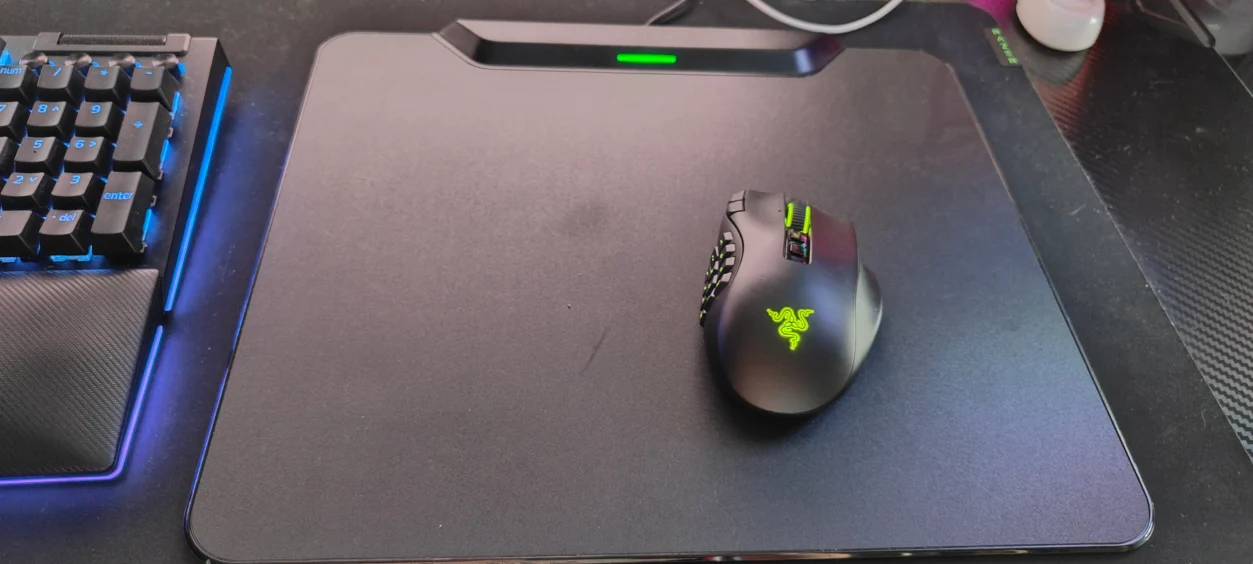
Wireless gaming mice have solved one problem that has annoyed PC gamers for years: cables. Unfortunately, they introduced another one. Eventually, the battery needs charging.
That sounds like a tiny inconvenience until you’re halfway through a long gaming session and suddenly find yourself reaching for a USB cable instead of continuing to play.
The Razer HyperFlux V2 Wireless Charging System takes a rather different approach. Instead of putting the mouse on a charging dock when you’re finished, it turns the mouse mat itself into the charging system, allowing a compatible Razer mouse to continuously receive power while you are using it.
I’ve been using the HyperFlux V2 alongside the Razer Naga V3 Pro, testing the combination across World of Warcraft Forever, Control Resonant, Warcraft 3 and Onimusha: Way of the Sword.
That gives the HyperFlux V2 a useful test because these aren’t all games that demand the same thing from a mouse surface. An MMO, RTS and action game can all put very different demands on mouse movement, and the HyperFlux needs to work quietly in the background without becoming something I have to think about.
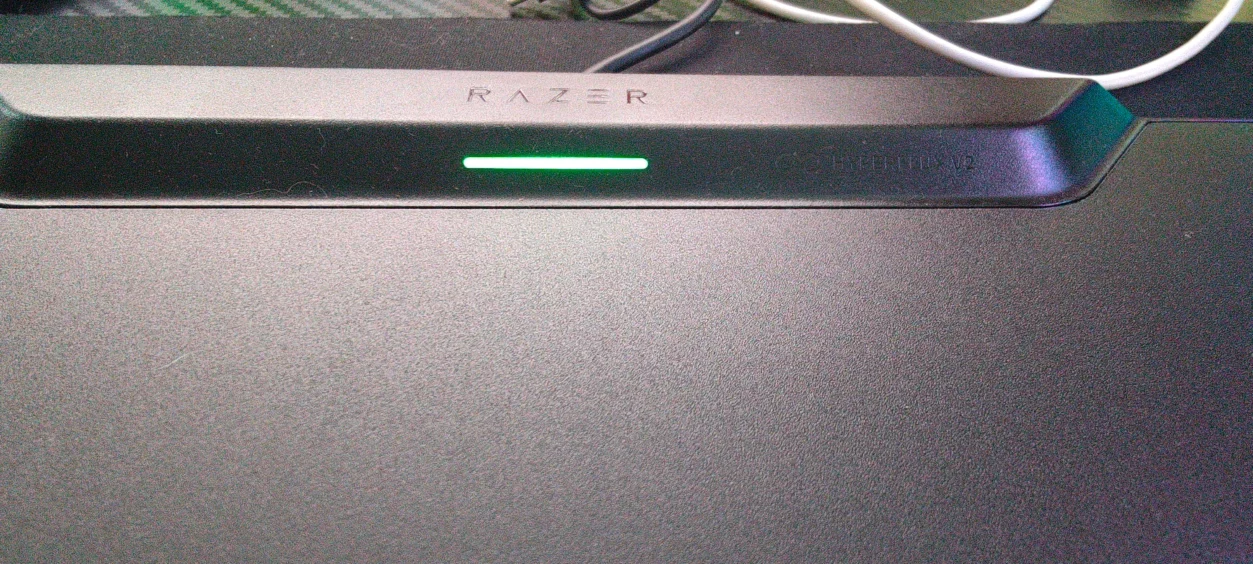
What Is the Razer HyperFlux V2?
The HyperFlux V2 is a wireless charging mouse surface designed to work with compatible Razer mice. Rather than charging the mouse only when it is sitting in a dock, the system continuously supplies power to the mouse while it is being used on the surface.
The system uses a dedicated charging puck that sits underneath the compatible mouse. The HyperFlux V2 also incorporates its own 1000Hz wireless transceiver, meaning the surface handles the wireless connection as well as the charging.
That makes the HyperFlux V2 more than just an expensive mouse mat with a charging gimmick attached.
Using It With the Razer Naga V3 Pro
The obvious companion for my testing has been the Razer Naga V3 Pro.
Once the HyperFlux charging puck is installed, the mouse can be used normally across the surface while receiving power. There is no separate charging dock sitting beside the monitor and no need to stop playing to connect a cable.
And this is where the idea starts to make considerably more sense.
With a normal wireless mouse, battery life is something you occasionally think about. With HyperFlux V2, it largely disappears from your thoughts.
That’s particularly useful when you’re using something like the Naga V3 Pro for an MMO. Long gaming sessions are exactly where constantly thinking about battery levels becomes irritating.

World of Warcraft Forever
World of Warcraft Forever was the main MMO test, using the Naga V3 Pro’s 12-button MMO attachment.
From the HyperFlux V2‘s perspective, there isn’t really anything flashy happening, and that’s actually the point.
The mouse simply keeps working.
Moving around the game world, managing abilities through the Naga’s thumb buttons and spending extended periods playing doesn’t require me to think about whether the mouse needs charging. The HyperFlux V2 sits underneath everything and quietly does its job.
That might not sound particularly exciting in a review, but good peripheral technology often works exactly like this. The best result is sometimes that you completely forget the technology is there.
Control Resonant
Control Resonant gives the HyperFlux V2 a different type of test.
This is much closer to conventional mouse gaming, where smooth movement and precise control matter more than having an enormous number of programmable buttons underneath your thumb.
The Naga V3 Pro provides the mouse hardware, while the HyperFlux V2 provides the surface beneath it. The important thing here is that the charging system doesn’t interfere with normal mouse movement. The mouse can be moved naturally across the mat rather than having to remain in a particular charging zone.
That distinction is what separates HyperFlux from a conventional wireless charging dock. You aren’t charging between gaming sessions. You’re charging while gaming.

Warcraft 3
Warcraft 3 provides another useful test because RTS gaming involves plenty of mouse movement, selection and rapid movement across the playing area.
Again, the HyperFlux V2 isn’t something that demands attention. It simply provides the surface and keeps the mouse powered.
That consistency is arguably the biggest benefit of the system.
There is no point where I need to remember that I haven’t charged the mouse because the charging is happening as part of normal use.
Onimusha: Way of the Sword
Onimusha: Way of the Sword moves the testing into a more action-focused environment.
Here, the mouse needs to feel like a normal gaming mouse surface rather than something compromised by its wireless charging technology.
And that’s perhaps the strongest compliment I can give the HyperFlux V2: once everything is connected, you don’t really notice the charging system.
There is no cable dragging behind the mouse, no charging station taking up additional desk space and no interruption to the game.
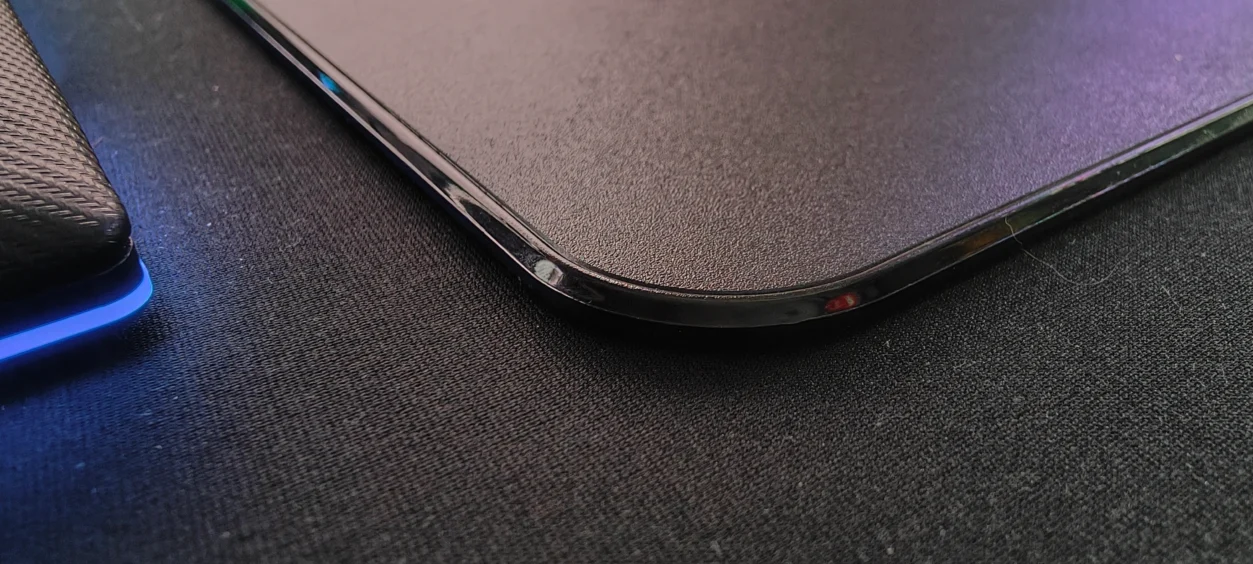
The Surface Matters
It would be easy to concentrate entirely on the charging technology and forget that this is still your mouse surface.
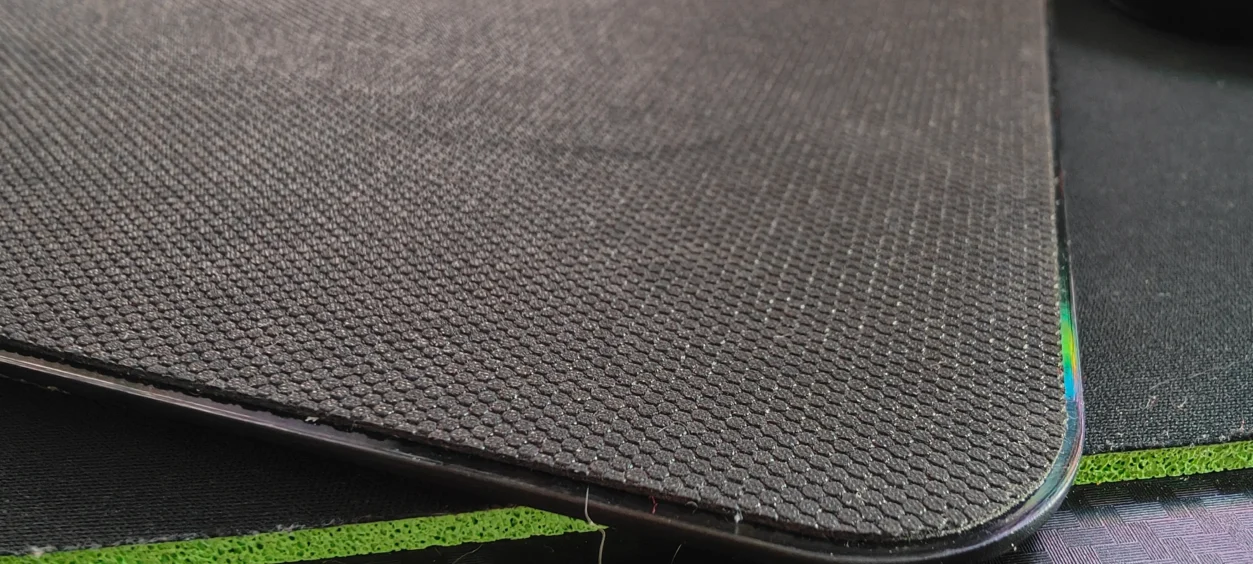
Razer offers the HyperFlux V2 with different surface options, including hard and cloth variants, allowing users to choose between a faster glide and a more controlled feel.
That choice is important because the surface is something you interact with constantly. The charging technology might be the headline feature, but if the actual mouse mat felt terrible, the whole system would be pointless.
With the Naga V3 Pro, the combination works well because the mouse remains easy to move across the surface while the charging happens without requiring any special positioning.
The Wireless Connection
The HyperFlux V2 also acts as the wireless receiver, with its integrated transceiver operating at 1000Hz.
This is worth explaining because the Naga V3 Pro itself supports higher polling rates with additional compatible Razer hardware. HyperFlux V2‘s integrated wireless connection operates at 1000Hz, so you’re not using the system to access the Naga’s optional 8000Hz polling capability.
For the sort of gaming I’ve been doing with the Naga, 1000Hz isn’t something that has caused me a problem. But if you’re buying the Naga specifically for its maximum polling capabilities, this is something you need to understand before putting together the setup.
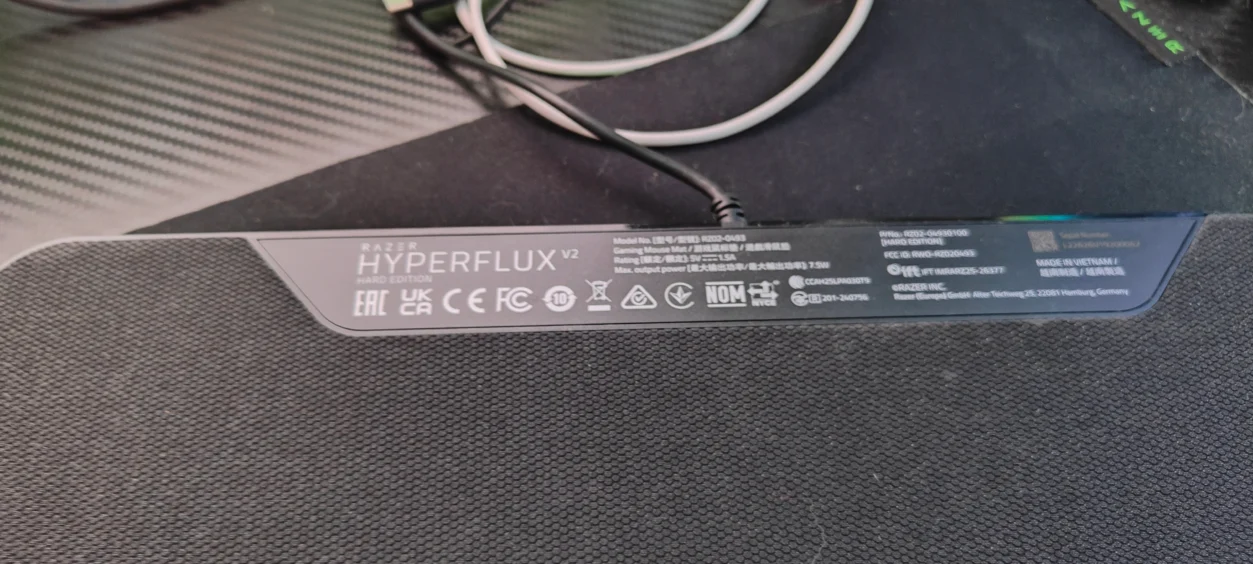
Battery Health
One of the more sensible features is the Battery Health Optimizer available through Razer Synapse.
Rather than constantly forcing the battery to remain at 100 percent, the charging threshold can be configured between 50 and 80 percent. That gives users the option of prioritising long-term battery health while still benefiting from continuous charging.
For a system designed to remain permanently connected to your gaming setup, this makes a lot of sense.
The Biggest Problem Is the Price
There is one rather obvious problem with HyperFlux V2.
It isn’t cheap.
You need the HyperFlux V2 surface, a compatible Razer mouse and the dedicated charging hardware. If you already own a perfectly good wireless mouse and mouse mat, spending the extra money simply to avoid occasionally plugging a USB cable into your mouse is difficult to justify.
This is very much an enthusiast solution.
But if you’re already buying something like the Naga V3 Pro, the proposition becomes considerably more interesting because you can build the entire setup around the technology.
Is Continuous Charging Really That Useful?
Before using HyperFlux V2, I would probably have looked at the concept and thought: How difficult is it really to plug a mouse in?
And technically, it isn’t.
But removing a small annoyance doesn’t mean the improvement isn’t worthwhile.
It’s similar to wireless charging on a phone. You don’t suddenly gain a new gaming ability because your mouse is charging while you use it. What you gain is convenience.
With HyperFlux V2, the mouse simply becomes something you don’t have to remember to charge.
After using it across four very different games, that convenience becomes surprisingly easy to appreciate.
What I Like About the Razer HyperFlux V2
- Continuous wireless charging while gaming.
- The charging system doesn’t require the mouse to remain in a dock.
- The integrated wireless transceiver keeps the setup clean.
- Works particularly well with the Razer Naga V3 Pro.
- Battery Health Optimizer helps manage long-term battery charging.
- The surface works naturally for MMO, RTS and action gaming.
- Removes one of the biggest annoyances associated with wireless mice.
What Could Be Better?
- The HyperFlux V2 is expensive.
- The system is designed around compatible Razer hardware.
- The integrated wireless connection is limited to 1000Hz.
- It makes most sense for users already invested in Razer’s ecosystem.
- The benefit is convenience rather than a direct improvement to gaming performance.
Final Verdict
The Razer HyperFlux V2 is one of those products that initially sounds like an answer to a problem that doesn’t really exist.
Then you use it.
Using the HyperFlux V2 with the Razer Naga V3 Pro across World of Warcraft Forever, Control Resonant, Warcraft 3 and Onimusha: Way of the Sword has demonstrated exactly where the system makes sense.
The charging system doesn’t get in the way. It doesn’t require you to stop gaming. It doesn’t require the mouse to sit on a charging dock. It simply keeps the mouse powered while you use it.
And that’s the clever part.
It’s not revolutionary gaming technology, and it won’t make you aim better or suddenly win your next Warcraft battle. What it does is remove one of those small annoyances that you normally accept as part of owning a wireless mouse.
The biggest obstacle is the price and the fact that you’re buying into a fairly specific Razer ecosystem. For someone who already owns compatible Razer hardware, however, HyperFlux V2 makes considerably more sense.
For me, the real test is simple: after using it, going back to a wireless mouse that occasionally needs to be plugged in feels unnecessarily inconvenient.
If I could make one request to Razer for the next generation, it would be an RGB version with a cloth surface, but in a much larger format, ideally around the size of the Razer Goliathus Chroma. That would turn HyperFlux from a great wireless mouse solution into a complete wireless desk setup, allowing both a wireless mouse and wireless keyboard to benefit from the charging technology while adding that extra bit of RGB bling across the entire gaming setup. Now that is a HyperFlux I’d happily make room for on my desk
Read more awesome reviews >>here<<.
Written by myself then edited and formed by my partner.
Review Summary
Is the Razer HyperFlux V2 good for gaming?
Yes. The HyperFlux V2 provides a smooth gaming surface while continuously charging compatible Razer mice during use. It was tested with World of Warcraft Forever, Control Resonant, Warcraft 3 and Onimusha: Way of the Sword.
How does the Razer HyperFlux V2 charge a mouse?
The HyperFlux V2 uses a dedicated charging puck installed underneath a compatible Razer mouse, allowing it to receive power continuously while moving across the surface.
Does the Razer HyperFlux V2 replace a wireless mouse receiver?
Yes. The HyperFlux V2 has an integrated 1000Hz wireless transceiver, allowing compatible Razer mice to connect through the charging surface.
Is the Razer HyperFlux V2 good for MMO gaming?
Yes. When used with the Razer Naga V3 Pro, the HyperFlux V2 provides continuous charging during extended MMO sessions, making it particularly convenient for games such as World of Warcraft Forever.
Does the Razer HyperFlux V2 work with the Razer Naga V3 Pro?
Yes. The Naga V3 Pro can be used with the HyperFlux V2 charging system using its dedicated charging puck.
Is the Razer HyperFlux V2 worth buying?
If you want a wireless gaming mouse that can remain continuously powered while gaming, the HyperFlux V2 provides an extremely convenient solution. Its main drawback is the additional cost and reliance on compatible Razer hardware.
The Razer HyperFlux V2 turns the mouse mat into a continuous wireless charging system, making the Naga V3 Pro effectively maintenance-free during gaming while providing a clean and convenient wireless setup.
Disclaimer: Razer supplied the HyperFlux V2 for the purpose of this review. All opinions and conclusions are our own.