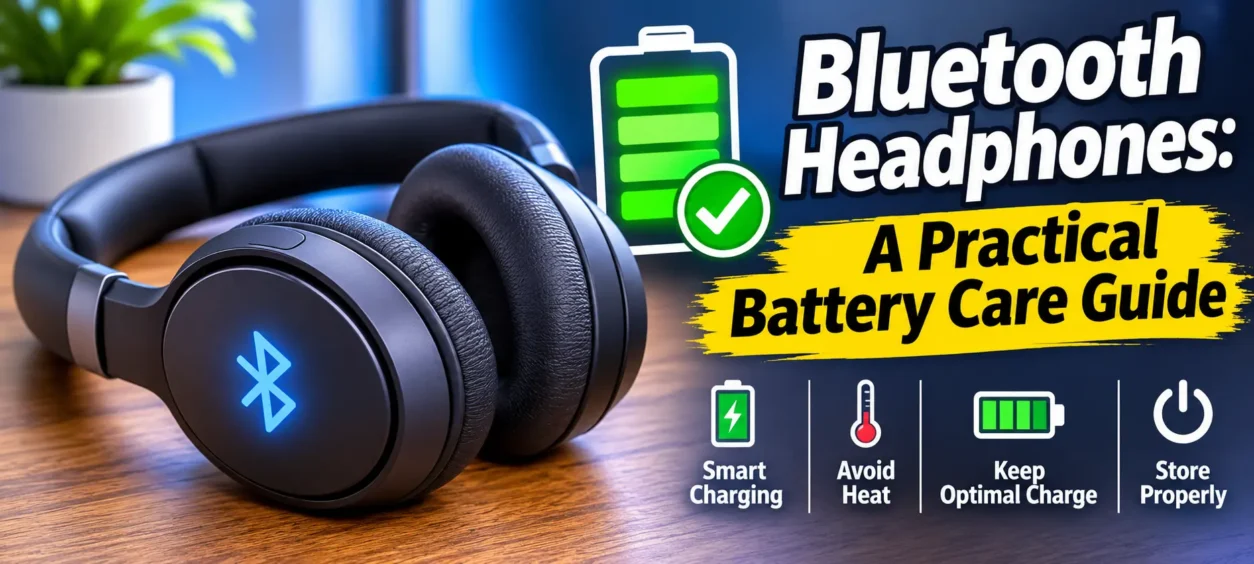
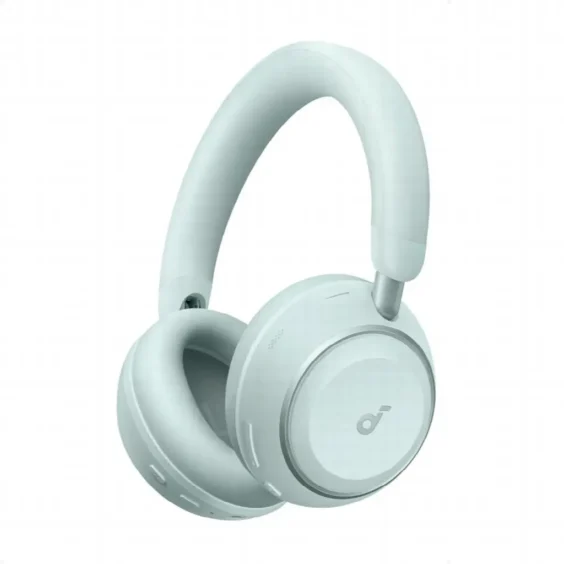
Bluetooth headphones work best when their batteries are treated with a little care. Good habits can help preserve runtime, slow long-term battery wear and reduce the frustration of unexpected shutdowns. Most wireless headphones rely on rechargeable lithium-based batteries, which gradually lose capacity through heat, poor charging routines and improper storage. The good news is that a few practical steps make a real difference. Charging before the battery drops too low, unplugging once reasonably full and keeping headphones away from extreme temperatures all support better battery health. For frequent travelers and daily listeners, battery life matters even more. Models built for long use, such as Anker soundcore Space 2 with up to 50 hours of playtime with ANC on or 70 hours with ANC off, still benefit from careful battery management.
How Bluetooth Headphone Batteries Work
Battery Types and How They Power Wireless Headphones
Most Bluetooth headphones use rechargeable lithium-ion or lithium-polymer batteries. These batteries store energy at high density, recharge efficiently and fit into slim headphone designs without adding too much weight. They power several functions at once, including Bluetooth connectivity, audio processing, microphones, active noise cancelling and touch or button controls. Because every wireless feature draws power, battery performance depends on both capacity and how efficiently the headphones manage energy. Larger batteries usually provide longer listening time, but smart power tuning also matters. For example, headphones with efficient wireless audio support and well-optimized noise cancelling can stretch playback further. Over time, all lithium-based batteries age, and their ability to hold a full charge gradually declines through normal charge cycles.
What Affects Bluetooth Headphone Battery Life?
Bluetooth headphone battery life is affected by usage patterns, settings and environment. Active noise cancelling typically uses more power because microphones and processing stay active during playback. Higher volume levels also increase energy demand, especially during bass-heavy listening. Wireless codec choice can matter too, since higher-quality transmission modes may consume more battery than standard Bluetooth playback. Features such as multipoint connection, built-in soundscapes and frequent voice assistant use can add further drain. Temperature plays a major role as well. Heat speeds up battery wear, while very cold conditions can reduce short-term performance. Battery age is another factor. As rechargeable cells go through repeated charging cycles, their total capacity drops, so headphones may not last as long per charge.
Charging Habits That Help Extend Battery Life
Avoid Overcharging and Frequent Deep Discharges
One of the best ways to extend Bluetooth headphone battery life is to avoid extremes. Letting the battery drain to zero too often puts extra stress on lithium-based cells, while leaving headphones plugged in for long periods can expose them to unnecessary heat. A better routine is to recharge when the battery drops to a moderate level and unplug after it reaches a healthy charge. Topping up in shorter sessions is usually gentler than repeated full drain-and-full charge cycles. Fast charging is useful when needed, but it should support convenience rather than replace everyday charging habits. If your headphones offer quick power boosts, use that feature selectively and still aim for steady, moderate charging patterns over time.
Use the Right Charger and Follow Safe Charging Practices
Always use a reliable charger and cable that match the headphone maker’s recommended power input. Using low-quality accessories or unstable power sources can lead to slow charging, inconsistent performance or excess heat. Place headphones on a hard, ventilated surface while charging rather than on bedding, cushions or inside a bag where heat can build up. Keep the charging port clean and dry so power flows properly and connectors do not corrode. If your headphones support fast charging, use it as designed instead of pairing the device with unsuitable adapters. For instance, Anker soundcore Space 2 can provide about 4 hours of listening from a 5-minute charge, which is useful for travel without requiring unnecessarily long charging sessions.
How to Store and Maintain Bluetooth Headphones
Keep Headphones Away from Heat, Moisture and Direct Sunlight
Heat is one of the fastest ways to shorten the lifespan of a rechargeable battery. Leaving Bluetooth Wireless Headphones in a hot car, near heaters or under direct sunlight can permanently reduce battery capacity. Moisture is also a risk because it can damage internal circuits, charging contacts and ear cushion materials. Even if headphones still work after light exposure to humidity, repeated moisture can create long-term reliability problems. Store them in a cool, dry place whenever possible. If you use headphones while commuting, traveling or exercising, give them time to air out before charging or packing them away. Avoid charging immediately after exposure to heat, since batteries are best recharged once they return to a normal temperature.
Clean Headphones and Store Them Properly Between Uses
Regular cleaning helps preserve both comfort and battery-related components. Wipe ear cushions, headband surfaces and controls with a soft, dry or slightly damp cloth, and keep sweat, dust and skin oils from building up around seams and charging ports. Do not use harsh cleaners or soak any part of the headphones. When not in use, switch them off fully rather than leaving them connected unnecessarily, since background Bluetooth activity can slowly drain the battery. Store them in a protective case or stable drawer to prevent pressure, cable strain and accidental power-on events. If you will not use the headphones for several weeks, store them partially charged instead of completely full or empty to reduce long-term battery stress.

Conclusion
Taking care of Bluetooth headphone batteries does not require complicated routines. The most effective steps are simple: avoid repeated full discharges, do not leave headphones charging longer than necessary, use suitable chargers and protect them from heat and moisture. Clean storage habits also matter, especially if you use your headphones daily or travel often. These practices help preserve battery capacity, support more consistent runtime and reduce avoidable wear over the long term. Even headphones designed for extended listening, comfort and travel-friendly performance benefit from careful charging and storage. If you want your Bluetooth headphones to last longer between charges and over their overall lifespan, steady everyday habits will do more for battery health than occasional fixes or last-minute charging shortcuts