When the original Cities: Skylines limped onto the original Nintendo Switch back in 2018, it felt like an exercise in extreme compromise. Trying to squeeze Colossal Order’s sprawling urban management simulator onto Nintendo’s modest handheld was a noble ambition, but the execution was plagued by brutal frame rate dips, strict tile limits, stripped-back visual fidelity and a late-game simulation speed that ground to a virtual halt the moment your population crossed 30,000 citizens.
It was playable, sure, but only if you had high tolerance for slideshow performance and extreme hardware throttling.
Fast forward to the release of Cities: Skylines – Expanded Edition on the Nintendo Switch 2 and the narrative around handheld city building has completely transformed. This isn’t just a basic visual coat of paint or a quick resolution bump—it’s a genuine technical triumph that brings one of the deepest, most complex simulators ever made into portable form without destroying your console’s cooling fans.
This bodes well for the upcoming release of the recently announced LEGO version. However, as remarkably engineered as this port is on the performance front, a few glaring content omissions and stubborn control quirks keep it just shy of absolute perfection.
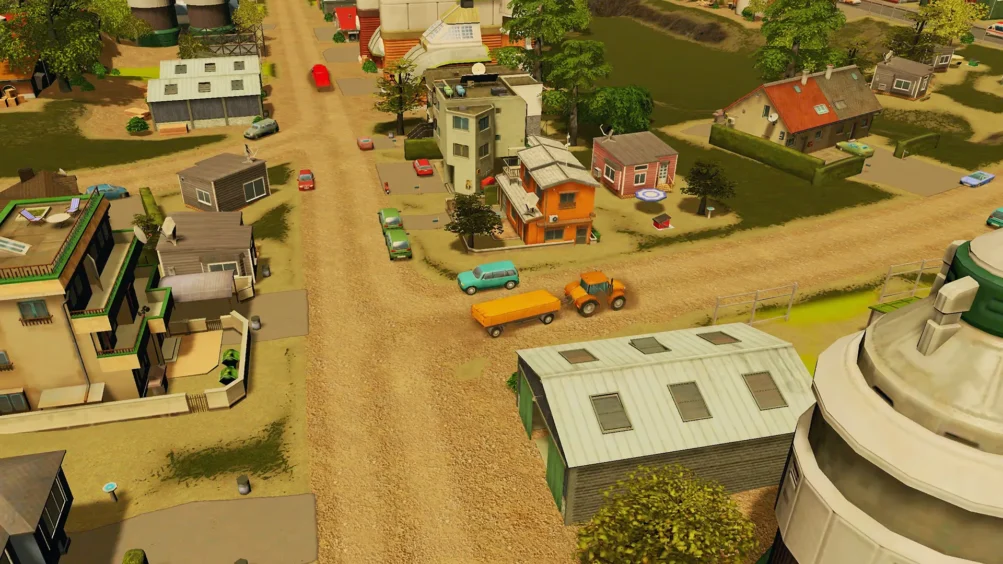
Nintendo Switch 2 Performance – 60 FPS Gameplay
Let’s cut straight to the headline feature here: the performance on Nintendo Switch 2 is nothing short of incredible.
If you spent any time wrestling with the original Switch version, the immediate feeling upon booting up Expanded Edition is sheer disbelief. The simulation engine runs smoothly, fluently and consistently, maintaining a buttery-smooth presentation even when zoomed into busy downtown districts during peak rush hour.
Paradox Interactive and the porting team have taken full advantage of the Switch 2’s updated architecture, offering two distinct performance profiles in the settings menu:
Performance Mode (60 FPS Target) is the definitive way to play in handheld mode. The frame rate holds remarkably close to a locked 60 FPS, providing fluid panning, instant camera rotation and seamless zooming across vast metropolitan regions. Even as complex traffic algorithms compute thousands of individual vehicle routes across multi-lane highways and roundabouts, the framerate remains delightfully rock-solid.
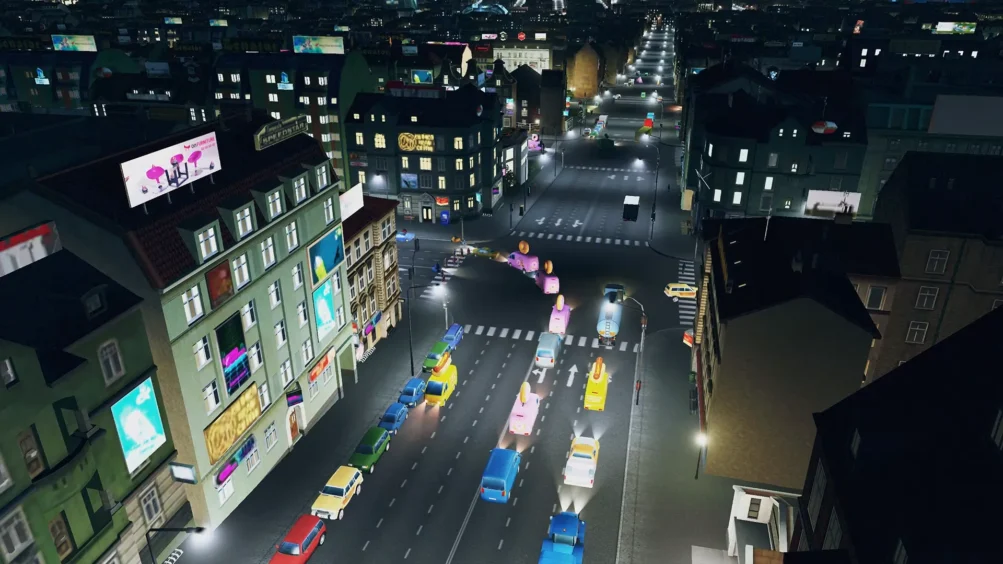
Quality Mode (30 FPS Target) is for those who prefer visual density over raw frame rates and locks the game to a stable 30 FPS while turning up ambient occlusion, draw distances, screen-space reflections, and shadow resolution. The dynamic weather systems and real-time lighting transitions look gorgeous on the Switch 2’s screen, turning night-time city lights into a genuinely stunning spectacle.
City Building, Gameplay and Simulation Features
Beyond raw frame rates, the underlying gameplay loop remains as addictive and rewardingly granular as ever. You still start with a humble stretch of vacant land connected to a single highway link, tasked with balancing power grids, clean water access, residential zoning, and sewage output. But where the previous handheld port severely restricted your ambition, Expanded Edition unleashes the core simulation.
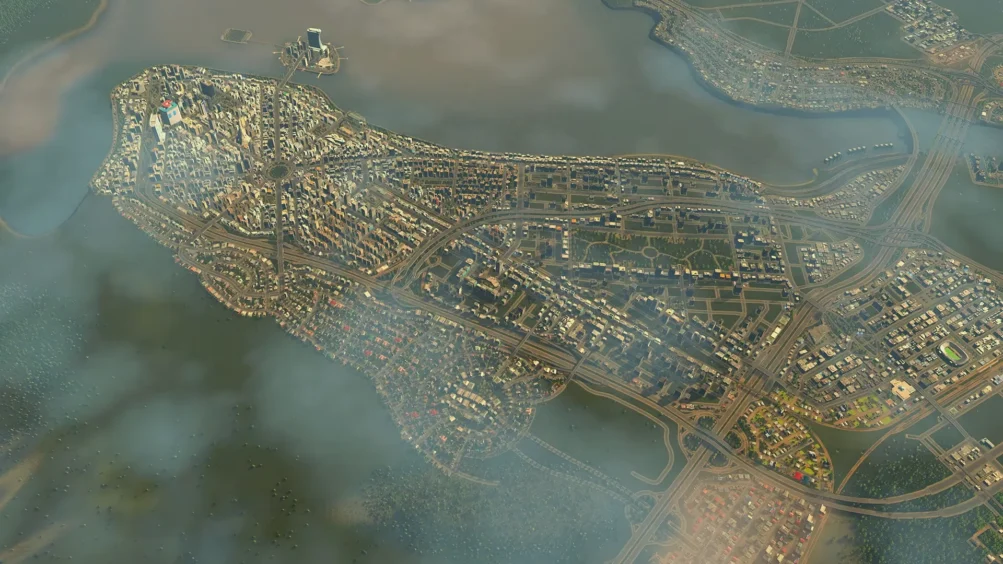
The original Switch version capped your city at a tiny 9-tile grid, severely cutting off broad regional planning. On Switch 2, you can expand up to 25 buildable tiles, giving you ample room to construct distinct industrial hubs, suburban townships, agricultural zones, and high-density downtown districts without hitting invisible walls.
Cims (your city’s residents) act with realistic daily routines. They wake up, commute to work or school, visit commercial districts, and head home. Managing public transit lines—from bus routes and metro systems to passenger ferries—feels deeply satisfying because the traffic physics and citizen AI aren’t artificially downscaled to save CPU cycles.
A fully functional map editor is also included directly in the menu, allowing you to sculpt custom riverways, raise mountain ranges, adjust tree densities, and lay down highway infrastructure before placing your very first residential zone.
Missing DLC and Expansion Content
While the “Expanded Edition” subtitle implies a definitive, all-inclusive collection, veteran players who have followed Cities: Skylines on PC or other modern consoles will still notice a frustrating elephant in the room: a massive amount of expansion content is missing.
To Paradox’s credit, the base package does bundle 10 expansions and content packs right out of the box; you get essential packs like After Dark (day/night cycles and tourism zones), Snowfall (winter maps and streetcars), Green Cities (eco-friendly power and organic districts), and Sunset Harbor (fishing industries and aviation). For a player entirely new to the franchise, this represents hundreds of hours of content.
However, when compared against the massive library available on PC, PS5, and Xbox Series X/S, the gaps are hard to ignore. Several of the deepest and most game-changing expansions are entirely absent at launch, including the industries expansion; Missing out on custom supply chains, specialized farm/forest/mine zones and modular factories deprives micro-managers of one of the game’s best economic loops, Mass Transit.
While basic buses and metros are included, the specialized monorails, cable cars, blimps, and advanced transit hubs from the Mass Transit DLC are nowhere to be found, and Campus & Hotels/Retreats; Specialized district-building mechanics for custom universities and luxury tourist resorts have been left on the cutting room floor.
While having 10 DLC packs built into the base price is certainly a generous starter package, calling this release “Expanded Edition” feels somewhat ironic when so many foundational expansions are noticeably missing. It leaves the overall offering feeling curiously incomplete for long-time fans who were hoping for a feature-complete portable encyclopaedia of Cities: Skylines.
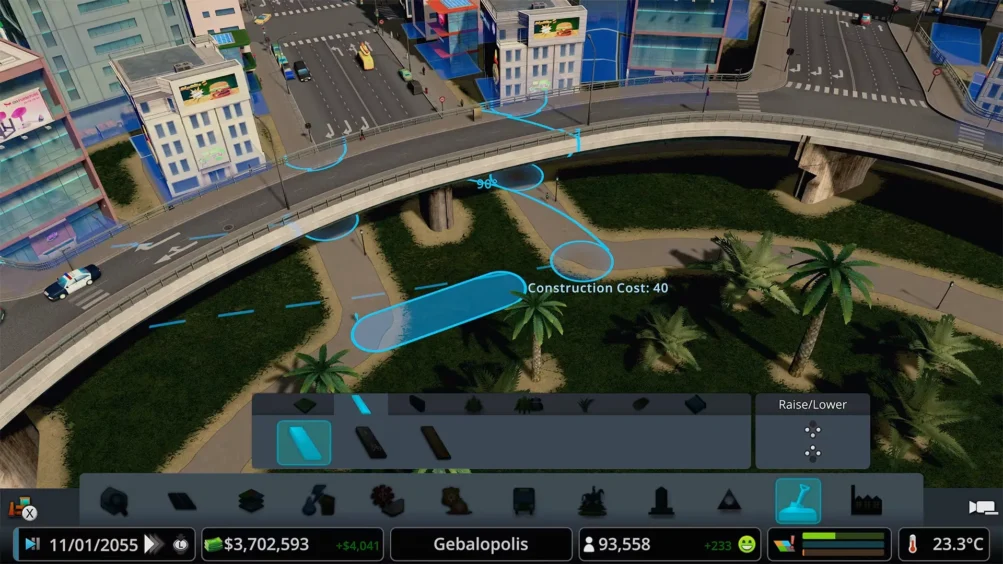
Nintendo Switch 2 Controls and Keyboard and Mouse Support
Translating a deeply complex PC city manager designed around mouse-and-keyboard precision onto a portable gamepad console is a monumental task. Expanded Edition handles this transition with a mix of clever design choices and frustrating lingering quirks.
If you dock your Switch 2 at a desk, you can plug in a USB or wireless keyboard and mouse, and the UI immediately shifts to the traditional PC layout. It works flawlessly and bridges the gap for hardcore simulation purists. When playing in handheld mode or using the new Pro Controller, radial menus allow you to quickly toggle between zoning brushes, road construction tools, power overlays, and budget menus without endlessly tapping through tabbed sub-menus.
However, the compromises are clear – drawing precise curved highways or free-form residential lines using thumbsticks still feels floaty and imprecise. Misclicking and accidentally demolition-slashing the wrong block of commercial real estate remains an all-too-common annoyance. Given that the Switch 2 features a vibrant multi-touch display, the lack of touch-screen integration in handheld mode is also a perplexing missed opportunity.
Tapping directly on roads to upgrade them, drawing zones with a finger or pinching to zoom across the map should have been native features, yet the game relies almost entirely on controller inputs.
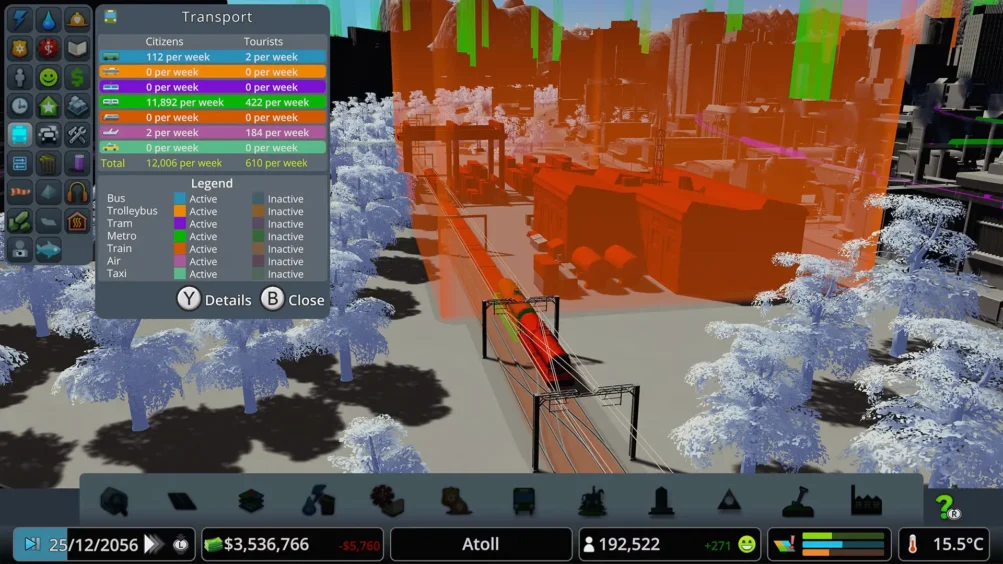
Final Verdict – Is Cities: Skylines Expanded Edition Worth Playing?
Cities: Skylines – Expanded Edition on Nintendo Switch 2 is a resounding technical victory and easily one of the most impressive handheld ports ever crafted. Colossal Order and Paradox have successfully erased the lingering memory of the sluggish 2018 original, delivering a buttery-smooth, 60 FPS simulation that proves just how capable Nintendo’s new hardware truly is.
If you can overlook the baffling omission of key expansions like Industries and Mass Transit, alongside a control scheme that occasionally fights your intent, this is a triumphant return to portable city planning. It is an endlessly addictive, deeply rewarding sandbox that will happily devour hundreds of hours of your time—whether you’re playing docked or building sprawling metropolises on your morning commute.
This is an experience that will devour hours of your time if you let it despite some glaring omissions and should be experienced; even if only in anticipation of the impending Lego adaptation.
Cities: Skylines Trailer
Read more awesome reviews >>here<<.
The game was provided to us for the express purpose of reviewing.
Review Summary
Is Cities: Skylines – Expanded Edition worth playing on Nintendo Switch 2?
Absolutely. Expanded Edition delivers a massive improvement over the original Switch release, with smoother performance, larger cities and an impressive portable city-building experience.
How does Cities: Skylines perform on Nintendo Switch 2?
Performance is excellent, offering a 60 FPS Performance Mode and a stable 30 FPS Quality Mode, making this one of the most impressive technical upgrades on the console.
What content is included in Cities: Skylines Expanded Edition?
The game includes 10 expansions and content packs, including After Dark, Snowfall, Green Cities and Sunset Harbor. However, major expansions such as Industries and Mass Transit are missing.
Does Cities: Skylines support keyboard and mouse on Switch 2?
Yes. USB and wireless keyboard and mouse support are available when docked, providing a more traditional PC-style control experience.
What are the biggest drawbacks?
Missing expansion content and the lack of touchscreen controls are the biggest disappointments, while some precision building tasks can feel awkward using analogue sticks.
Should you buy Cities: Skylines – Expanded Edition?
Yes, particularly if you’re new to the franchise or want to enjoy city building on the go. Despite some missing content, the improved performance and expanded building space make it a fantastic Switch 2 experience.