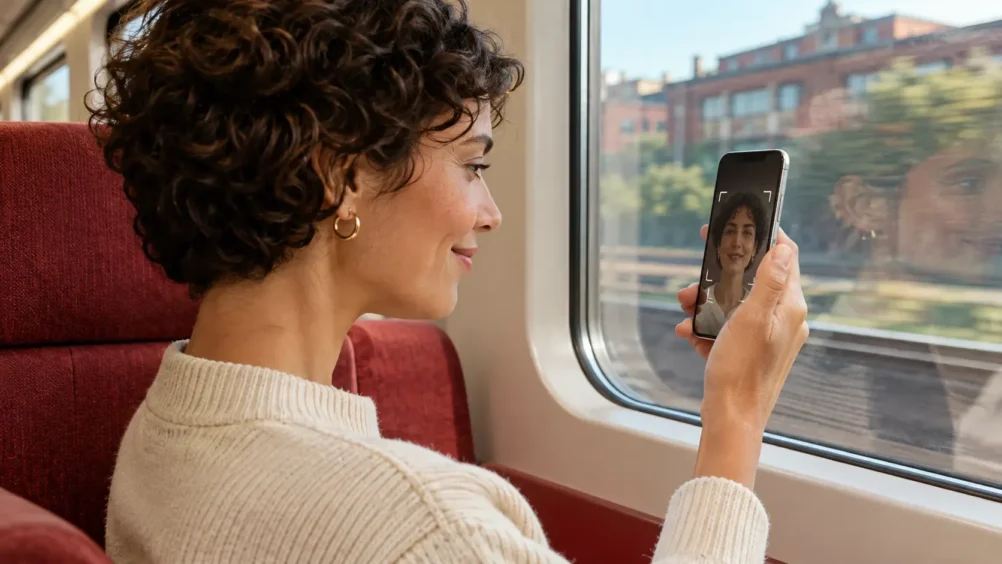
Unlocking a phone with a fingerprint is quick because the device can check a familiar gesture without making the user type a secret each time. That convenience can also help a digital service reduce reliance on passwords. The security benefit depends on how the sign-in is built, where any biometric data is processed and what happens when the phone is lost or replaced.
The device and the website do different jobs
For a shared household device, check which fingerprints or face profiles can unlock the credential. People sometimes add a second user for convenience without considering what else that device can authorise. Review saved sign-in methods before selling or handing over a phone.
A customer looking up NightWin play online might already use face or fingerprint unlock to open a browser or password manager. That device prompt is separate from a website’s own account checks. A familiar fingerprint icon does not tell you that the site receives a scan, supports passkeys or has verified your identity. Check which service is asking you to approve the action.
In a typical device-based passkey flow, the device checks the user locally and the website receives cryptographic proof tied to its own domain. A service that collects a selfie for identity verification is doing something different. It may process an image to establish who the customer is. The ICO’s guidance on biometric recognition distinguishes between verifying a claimed identity and identifying someone within a wider group.
Five checks for a better sign-in
- Make clear whether the device or the service performs the biometric check.
- Explain what data is collected before asking the user to proceed.
- Provide a practical alternative when the biometric check fails.
- Require a separate confirmation for sensitive changes where appropriate.
- Make account recovery clear for customers replacing a lost phone.
Recovery is part of security
A face check can work well in good light and fail when conditions change. A fingerprint reader may be difficult to use after an injury or when a sensor is wet. A fallback helps keep the account accessible, but it needs to be strong enough that someone else cannot use it to bypass the main protection.
Review recovery settings while you still have access to the account. Keep your contact details up to date and avoid approving prompts you did not request. A good biometric experience is one that feels quick when everything works and remains understandable when it does not. That combination makes security useful in everyday life, rather than only during the initial set-up.
Want more news from the Tech world for Gaming Peripherals to Hardware Click Here